- rate lists
- charge rules
- plans
- base plans
- add-ons
- customers
- Employee
Purpose of Security Attributes
Security Attributes are designed to provide:- multi-dimensional access control
- tenant-level data isolation
- region-based visibility restrictions
- controlled pricing visibility
- secure subscription access
- enterprise-grade authorization governance
Core Security Model
The ABAC framework evaluates access using two primary components:
Access is granted only when the subject’s attributes satisfy the resource’s security requirements.
Security Matching Logic
The ABAC engine evaluates access using multi-dimensional attribute matching.OR Logic Within a Dimension
If multiple values exist inside the same dimension, any overlapping value grants eligibility for that dimension. Examplenorth or east, the dimension passes validation.
AND Logic Across Dimensions
All configured dimensions must match simultaneously for access to be granted. ExampleAuthorization Evaluation Example
User Attributes
Resource Attributes
Authorization Result
Access GrantedBecause:
- region overlaps (
north) - department overlaps (
sales)
Administrative Access
Administrative users bypass Security Attribute filtering entirely. Administrative access provides unrestricted visibility across.Create Security Attributes
- Click on My Account
- Click on My Team
- Click on the Security Attributes tab
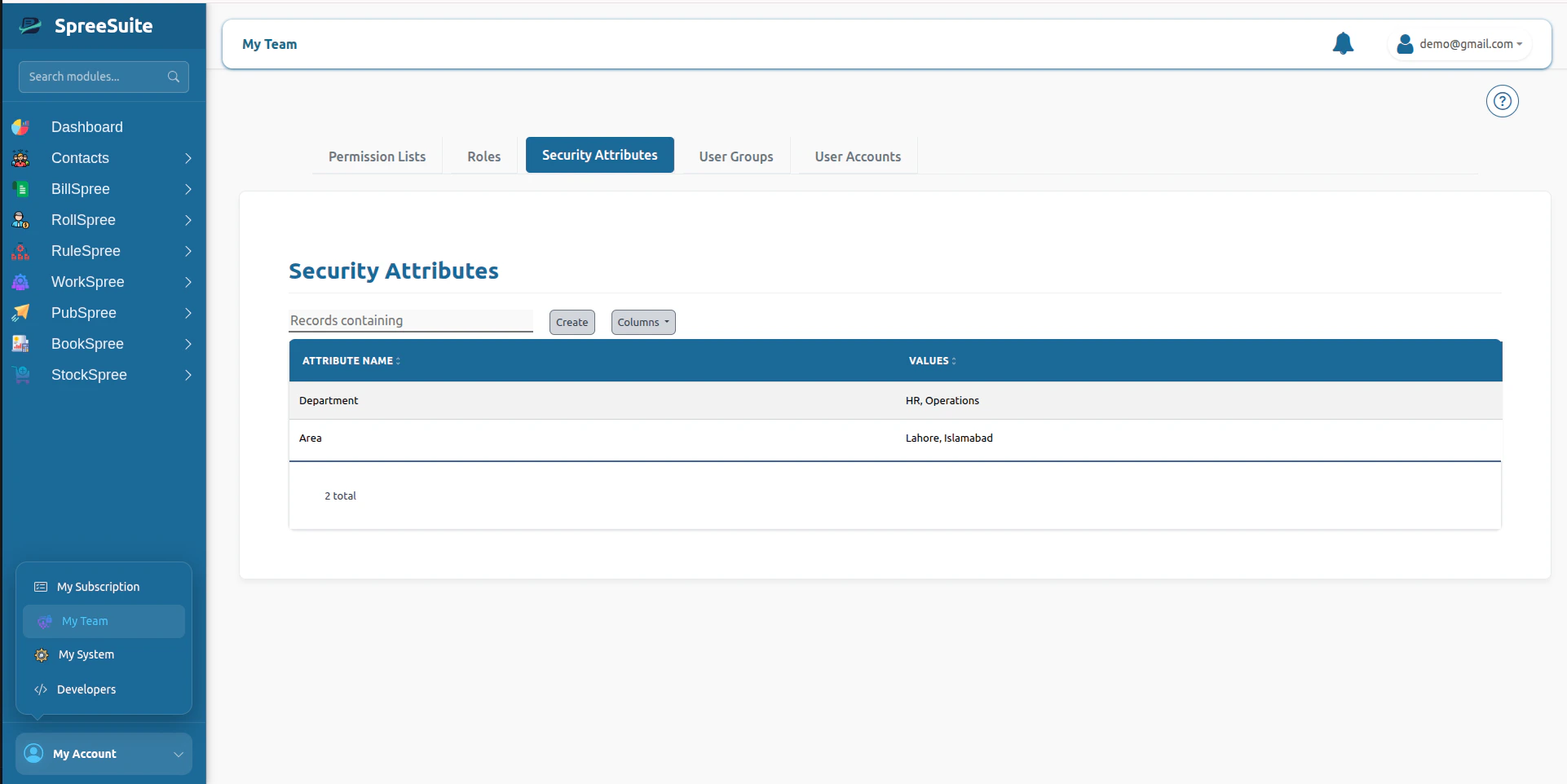
- Click on the Create button
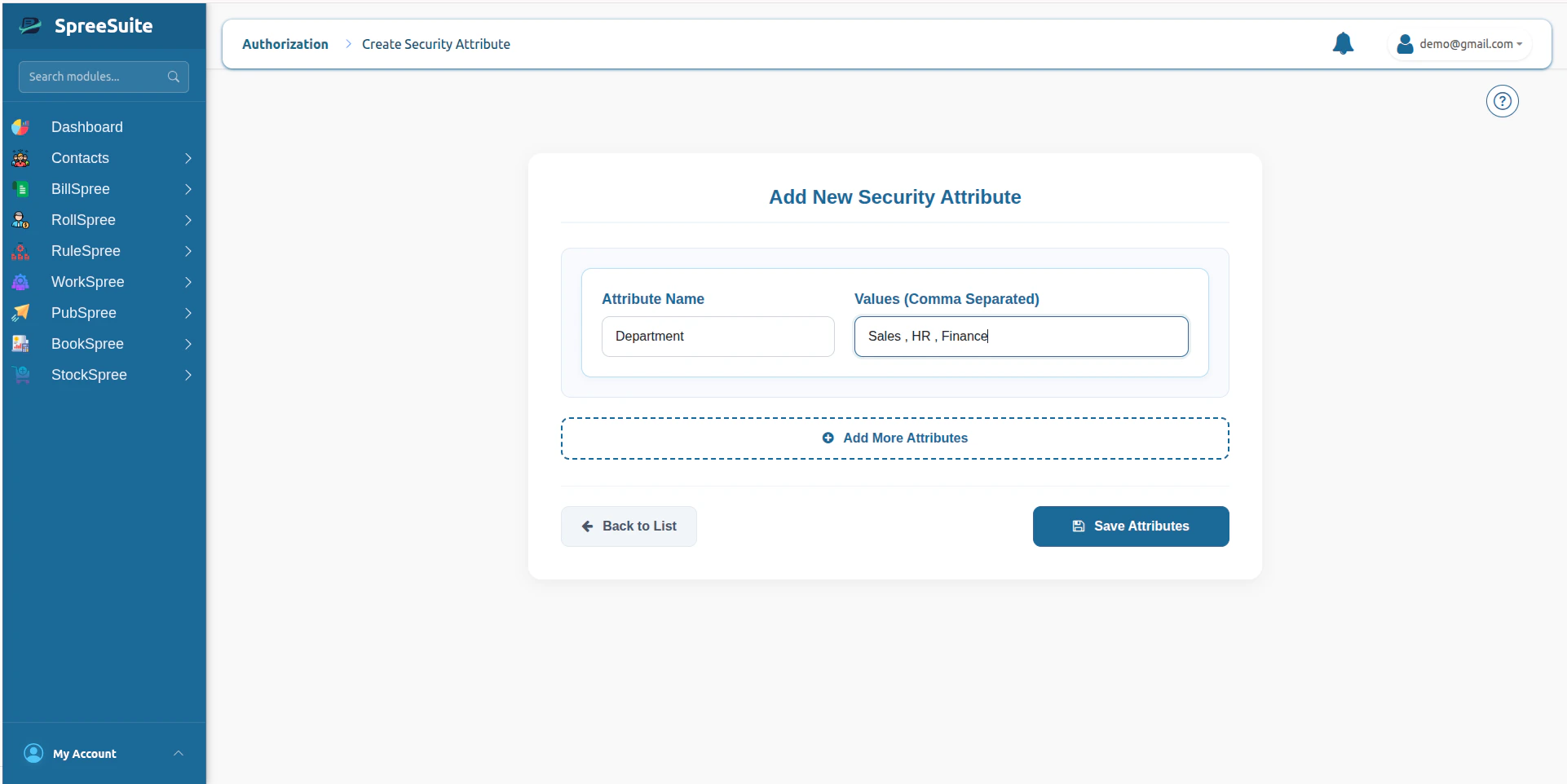
- Add name and values of attributes
- click save button to save attributes