1. Scope an API token
Create an API token and choose which BillSpree actions Spree AI may use (for example Retrieve Bills or Agent Chat). The token acts as that user for the permissions you select.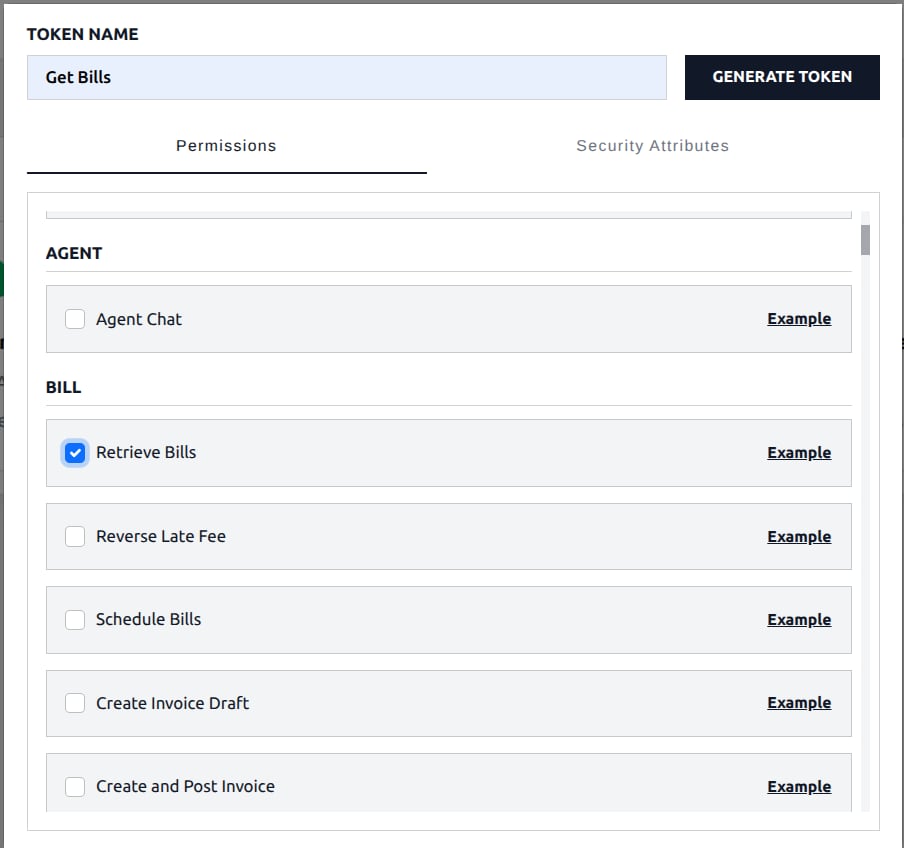
2. Confirm the key in API Keys
After you generate the token, it appears under API Keys in BillSpree. Spree AI uses this key when it looks up billing data.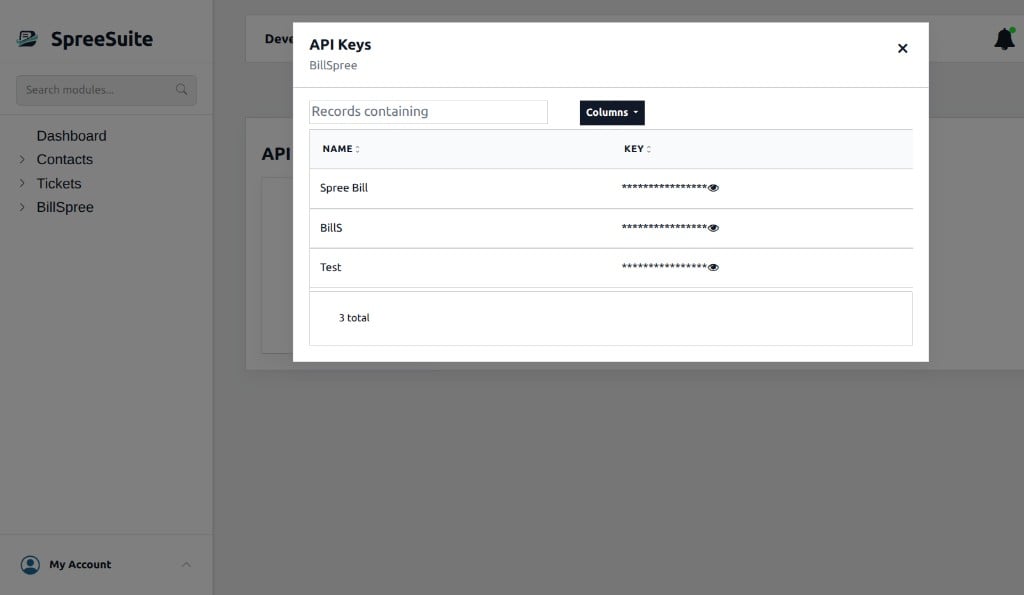
3. Create an AI Configuration
Open Spree AI setup and add a configuration: provider, model, provider key, and the BillSpree API token. Set the configuration to Active.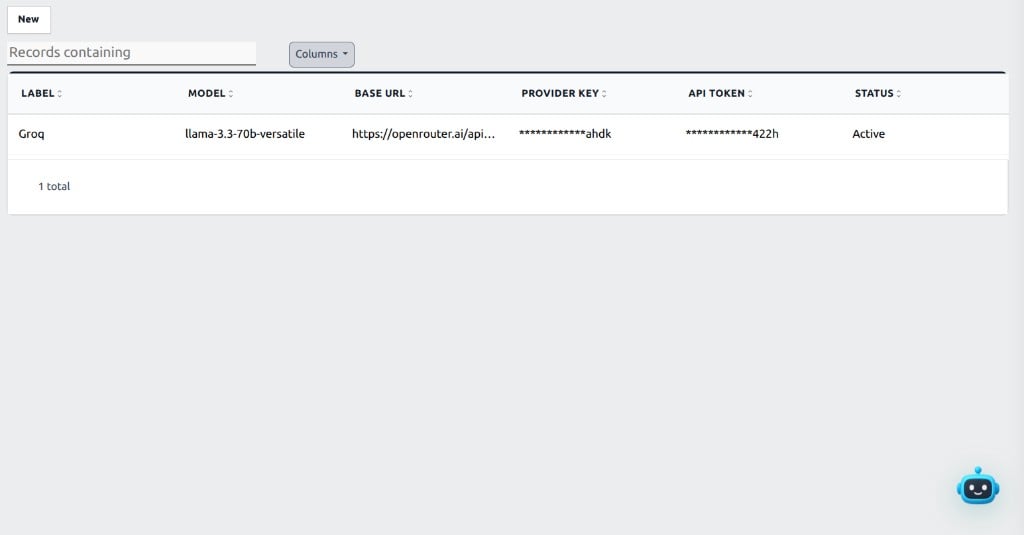
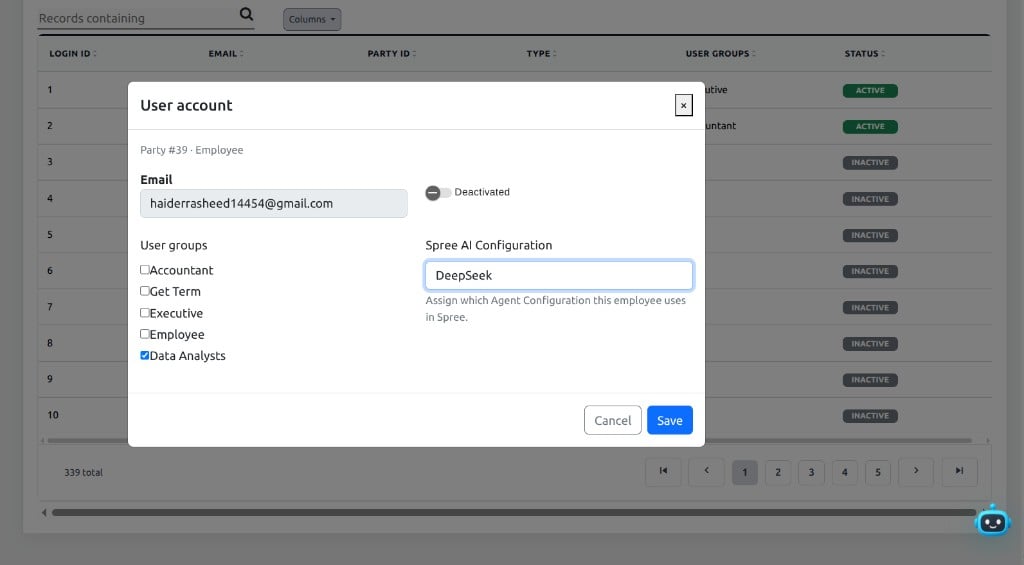
4. Assign the configuration to a user
On the user account, set Spree AI Configuration to the active configuration that employee should use.