How to Get Started (Simple Steps)
https://spreesuite.com/ Step 1 — Pricing Page- Go to the Pricing section.
- Review the plan.
- Click on “Get Started.”
Create your account
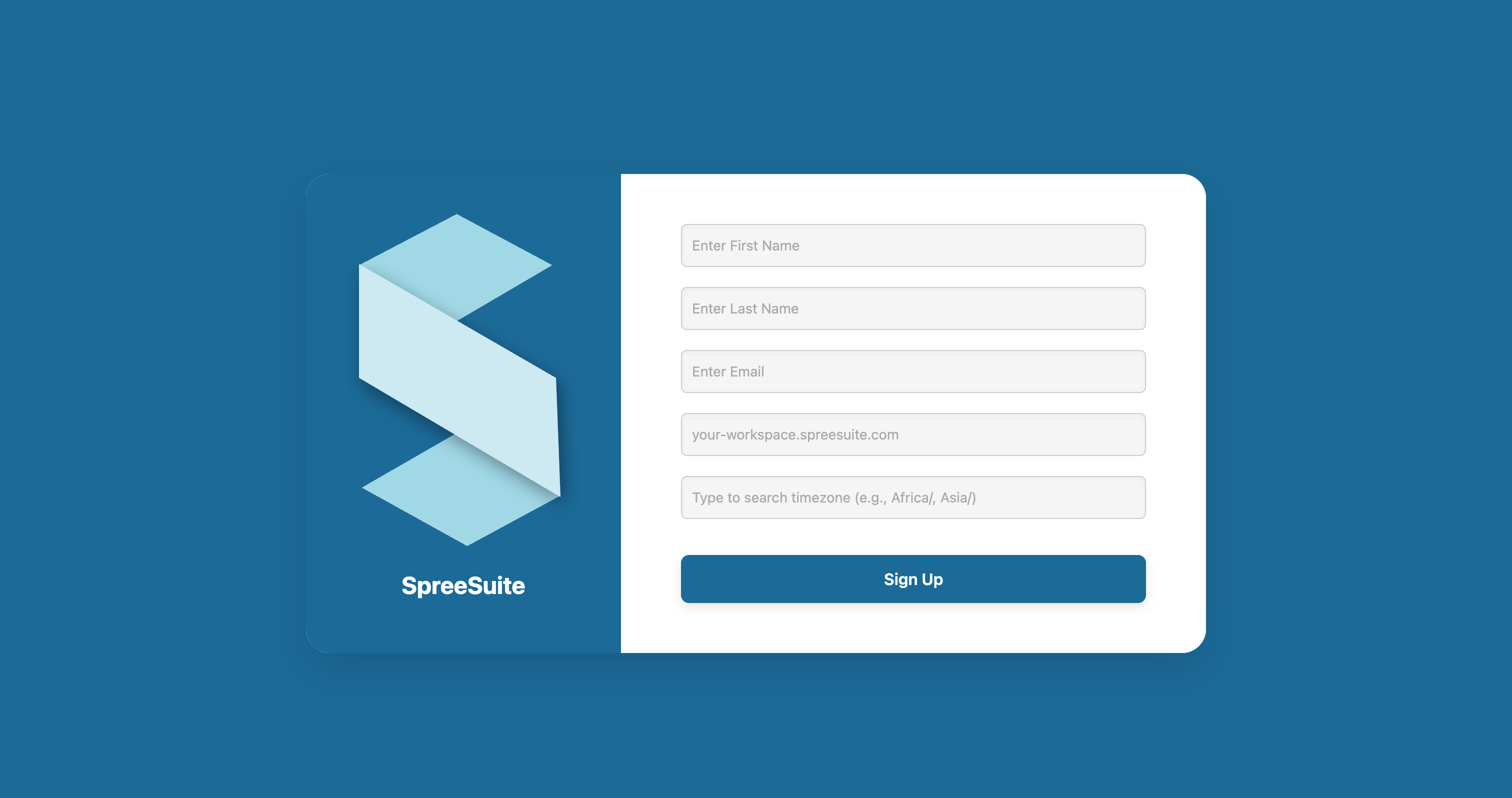
To get started, just fill in a few basic details:- Enter your first and last name.
- Enter your email address.
- You can use a work email if you have one, or a personal email — both are fine.
- Choose your workspace name.
- This will be your unique Billspree link (e.g., your-workspace.billspree.com).
- Select your timezone.
- Type your country or region (for example: Asia/Pakistan).