> ## Documentation Index
> Fetch the complete documentation index at: https://docs.techfootintl.com/llms.txt
> Use this file to discover all available pages before exploring further.
# Discounts
> Create and manage price reductions and promotional offers.
## **What are Discounts?**
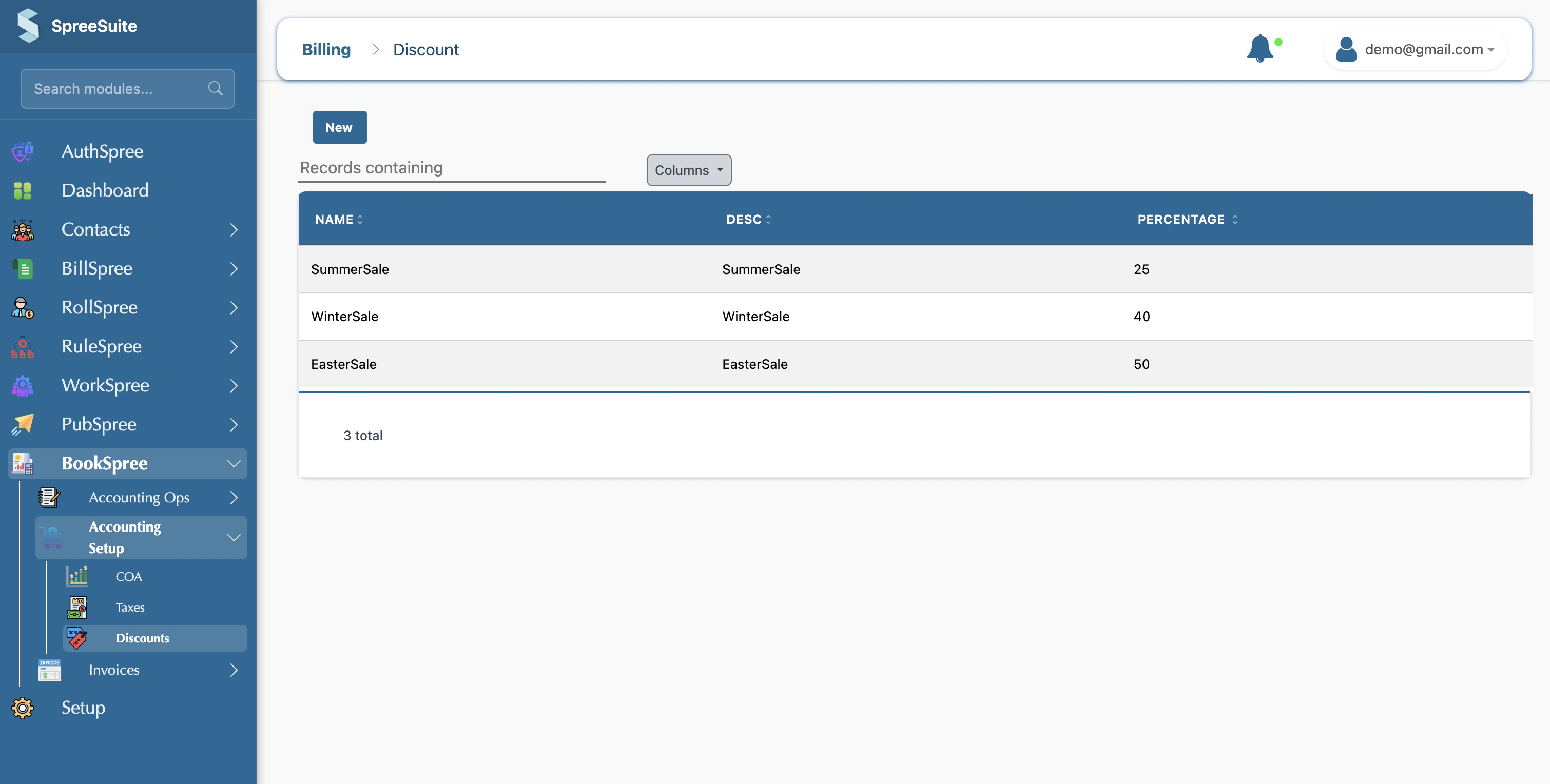
The **Discounts** section allows you to create and manage promotional offers and price reductions that you can apply to your sales. Whether it's a seasonal sale or a loyal customer reward, this section helps you track how much you're discounting.
 **In Simple Words**
Discounts are price reductions you offer to customers (e.g., "5% off" or "Summer Sale 10%"). Instead of manually calculating a lower price every time, you can set up predefined discount types here.
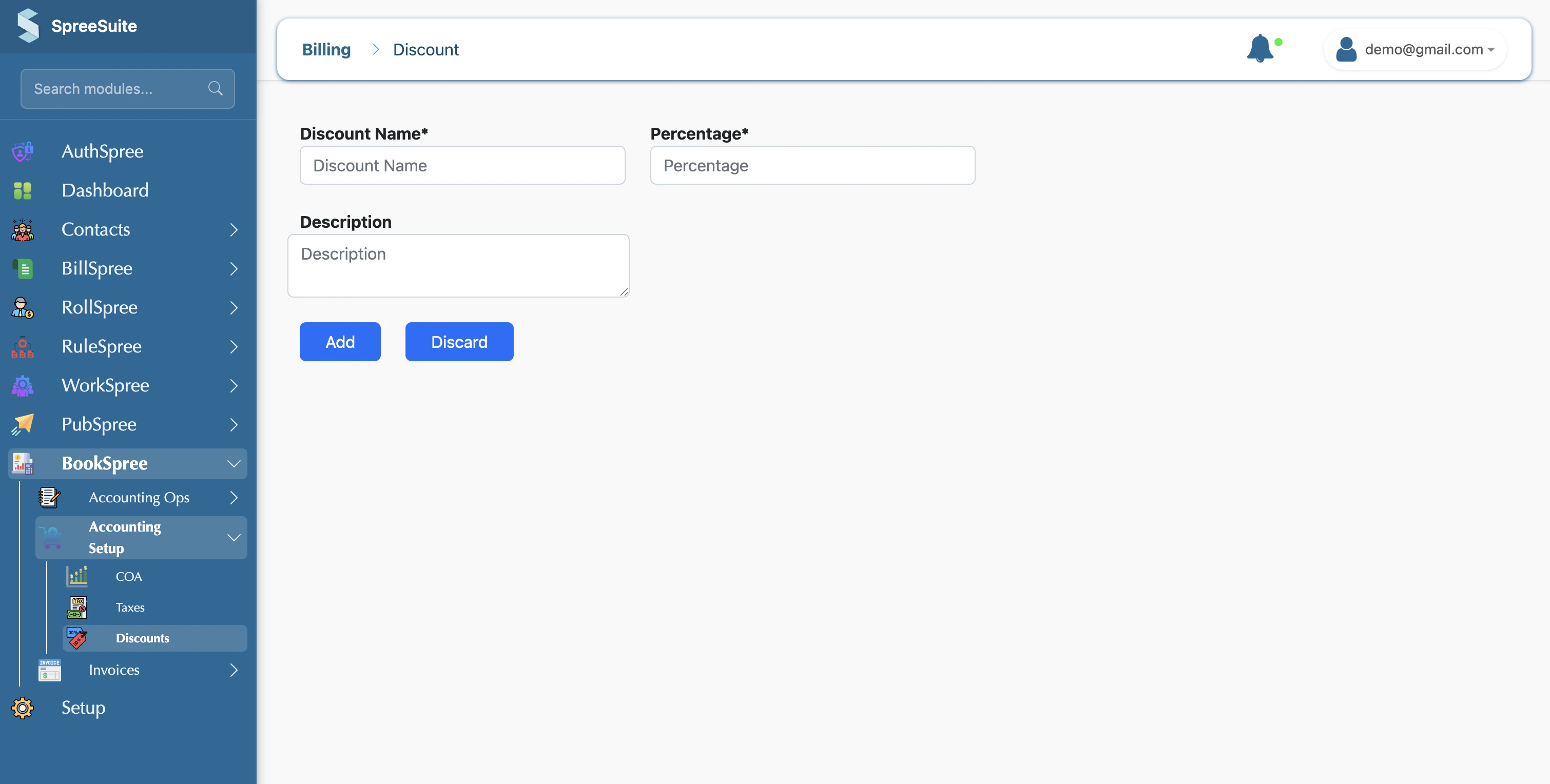
When you create a discount, you enter:
* **Name**: A clear title for the offer (e.g., "New Customer Discount").
* **Percentage**: The amount to be deducted from the price (e.g., "5").
* **Description**: An optional note about who the discount is for or when it expires.
**In Simple Words**
Discounts are price reductions you offer to customers (e.g., "5% off" or "Summer Sale 10%"). Instead of manually calculating a lower price every time, you can set up predefined discount types here.
When you create a discount, you enter:
* **Name**: A clear title for the offer (e.g., "New Customer Discount").
* **Percentage**: The amount to be deducted from the price (e.g., "5").
* **Description**: An optional note about who the discount is for or when it expires.
 After saving, you can choose these discounts from a dropdown menu when creating invoices or orders. The system then automatically reduces the total amount by that percentage.
## **Managing Your Offers**
* **Discount List**: See all your active discount types in one place.
* **Easy Application**: Quickly apply "No Discount", "Summer Sale 5%", or any other saved offer to your sales documents.
* **Reporting**: Track the total value of discounts given to understand the impact on your revenue.
## **Where to Find It**
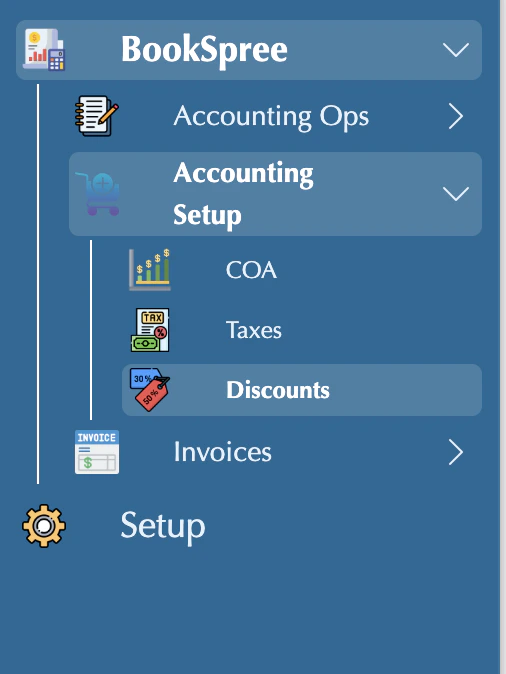
You can find these settings by navigating to: **Accounting Setup** in the sidebar → **Discounts**.
After saving, you can choose these discounts from a dropdown menu when creating invoices or orders. The system then automatically reduces the total amount by that percentage.
## **Managing Your Offers**
* **Discount List**: See all your active discount types in one place.
* **Easy Application**: Quickly apply "No Discount", "Summer Sale 5%", or any other saved offer to your sales documents.
* **Reporting**: Track the total value of discounts given to understand the impact on your revenue.
## **Where to Find It**
You can find these settings by navigating to: **Accounting Setup** in the sidebar → **Discounts**.
 Use descriptive names for your discounts so that when you review your sales reports, you can easily see which promotions were the most popular with your customers!